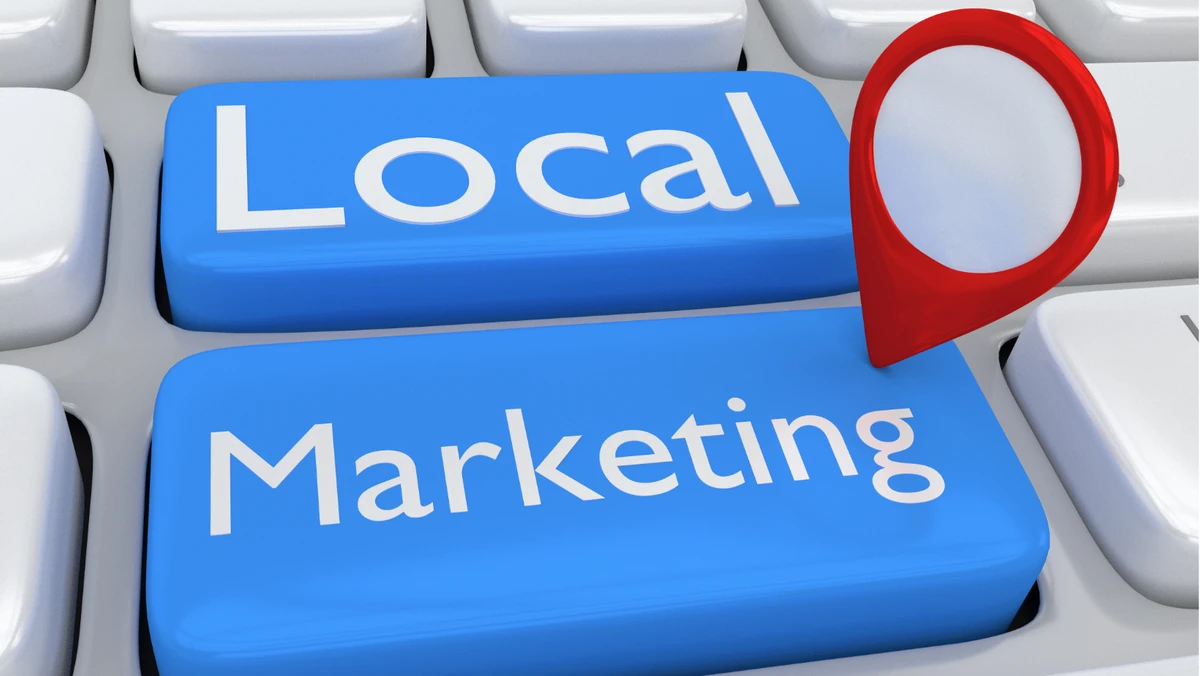

Local marketing success today depends less on how much you spend and more on how smartly you use digital tools to reach customers nearby. The modern local business needs an arsenal of online platforms that simplify SEO, social proof, and hyper-targeted outreach without requiring a full marketing department. The real challenge? Finding tools that connect global tech efficiency with local authenticity. When used strategically, today’s best platforms can help small businesses dominate search results, engage customers, and build a brand presence that outpaces national competitors in their own backyard. This guide breaks down the best online tools—and how to use them—to execute high-impact local marketing tactics efficiently.
1: Lock Down Local Visibility With Google Business Profile
No local strategy works without a properly optimized Google Business Profile (GBP). This free tool from Google lets you appear in Maps, “near me” searches, and local packs—the top-tier real estate of online visibility. It’s where most consumers first interact with your brand, and optimizing it is critical. Complete every field—hours, services, categories, and attributes—and post weekly updates or photos to signal activity. Encourage satisfied customers to leave reviews and reply to them promptly; it’s one of the strongest local SEO ranking factors.
GBP Optimization Checklist:
- Use consistent business name, address, and phone number (NAP).
- Upload high-quality, geotagged images (inside and outside).
- Add primary and secondary service categories.
- Publish at least one post per week.
- Use Google’s “Q&A” feature to pre-answer common customer questions.
2: Master Local SEO With BrightLocal & Moz Local
To compete locally, your website and citations must be aligned across the web. BrightLocal and Moz Local are two leading platforms that automate citation management, monitor local rankings, and identify inconsistencies that harm visibility. BrightLocal excels in detailed reporting—it pinpoints which directories have outdated information. Moz Local, on the other hand, syncs your listings automatically with dozens of platforms like Yelp, Bing, and Apple Maps, reducing manual labor.
SEO Success Steps:
- Audit your NAP consistency across top 50 directories.
- Target city-based keywords in your title tags and meta descriptions.
- Add local schema markup (structured data) to your site.
- Track ranking changes monthly to identify what’s working.
3: Amplify Customer Engagement With Mailchimp & Brevo
Local marketing thrives on repeat customers, and email is still the most effective channel for nurturing them. Mailchimp offers automation tools that trigger personalized messages—like welcome emails or birthday offers—based on customer data. Brevo combines email and SMS marketing, perfect for location-based promotions or event invitations.
Engagement Blueprint:
- Build segmented lists (loyal customers, new sign-ups, inactive leads).
- Send location-relevant content—like seasonal updates or local collaborations.
- Add clickable “Book Now” or “Get Directions” buttons for mobile users.
- Test send times—early mornings or evenings often perform best for local audiences.
- Monitor click-through rates and adapt messaging tone to fit your area’s culture.
4: Automate Social Proof With Podium & Birdeye
Reviews drive local business trust faster than any ad campaign. Tools like Podium and Birdeye simplify collecting, managing, and responding to reviews across platforms (Google, Facebook, TripAdvisor, etc.). Podium integrates directly with your CRM or POS, automatically prompting customers for feedback after transactions. Birdeye adds competitive benchmarking so you can compare your reputation to others nearby.
Reputation Management Routine:
- Send review requests within 24 hours of service.
- Use short links or QR codes on receipts and signage.
- Respond to every review (especially negative ones) with empathy and solutions.
- Highlight top reviews in social posts or website testimonials.
- Track sentiment trends to adjust service training or offers.
5: Target Locals With Geo-Focused Ads (Meta Ads Manager & Google Ads)
Running ads without precise location targeting wastes money. Meta Ads Manager (for Facebook and Instagram) and Google Ads both offer radius-based targeting, allowing you to reach potential customers within a specific zip code or distance from your storefront. Meta’s “Local Awareness” campaigns are ideal for foot traffic-driven businesses like salons or restaurants. Google Ads, meanwhile, helps service-based businesses appear for high-intent queries like “roof repair near me.”
Geo-Ad Strategy:
- Define your local radius.
- Create ad copy that mentions your neighborhood or city name.
- Use call extensions or “Get Directions” CTAs for instant engagement.
- Run A/B tests comparing photo-based vs. text-only ads.
- Schedule ads around peak hours—lunchtime for cafes, evenings for gyms.
6: Streamline Design & Local Branding With Adobe Express & VistaCreate
Consistency in branding matters even more for local businesses—customers remember familiar visuals. Adobe Express gives you ready-to-edit templates for social posts, menus, posters, and signage that keep your brand cohesive. VistaCreate (formerly Crello) offers easy resizing tools, letting you adapt one design for multiple formats—Instagram stories, flyers, and window displays—without distortion.
Design Workflow:
- Choose 2–3 core brand colors that align with your physical store decor.
- Use the same logo and typography across all channels.
- Create templates for recurring promotions (happy hour, seasonal sale).
- Export in high-resolution PDF for print and PNG for web.
- Schedule content in advance for local events or holidays.
📣 FAQ for Business Owners — All About Flyer Design
Even in a digital age, flyers remain a powerful local marketing weapon. They’re tangible, easy to distribute, and surprisingly effective when paired with digital tools. Whether placed on community boards, mailed to nearby residents, or handed out at local events, well-designed flyers grab attention and drive action. Below are key FAQs that help business owners make the most of flyer design.
1) What’s the easiest way to create professional flyers online?
The simplest solution is using Adobe Express, which offers free printable flyers templates for business. These templates are easy to edit with your logo, offers, and contact details. You can download and print them instantly or order professional-quality prints directly from the platform.
2) How do I ensure my flyer stands out in a crowded market?
Focus on clarity and local relevance. Use one bold headline that communicates your main offer—like “10% Off for Downtown Residents”—and include a clear call-to-action (CTA). Limit text to essential info and let visuals carry the emotion. Tools like VistaPrint and PosterMyWall allow you to test color combinations that align with your brand and local vibe.
3) What size and layout work best for local marketing flyers?
A5 and half-letter sizes are cost-efficient and fit easily into mailboxes or on notice boards. Vertical layouts work best for announcements, while horizontal formats suit menus or event flyers. Before printing, check margins.
4) How can I print flyers affordably without sacrificing quality?
Order in small batches using digital printing services like UPrinting or GotPrint. This approach lets you adjust promotions seasonally without leftover stock. Choose semi-gloss paper—it’s durable and vivid but cheaper than full gloss. If you’re hosting recurring events, save templates and just update the date and offer.
5) Should I include QR codes on my flyers?
Absolutely. QR codes bridge offline engagement with online action—perfect for local marketing. You can link directly to booking pages, discount coupons, or Google Maps directions. Use contrast-friendly colors to ensure scan reliability and test the code before mass printing. It modernizes your flyer while keeping it interactive and measurable.
Local business marketing isn’t about being everywhere—it’s about being in the right places consistently. By combining tools like Google Business Profile, BrightLocal, Mailchimp, and Adobe Express, even the smallest businesses can execute professional-grade campaigns that connect deeply with nearby audiences. The key is integration: each tool should amplify the next, turning reviews into ads, ads into visits, and visits into loyal relationships.